
Google Stadia Now Has Family Sharing
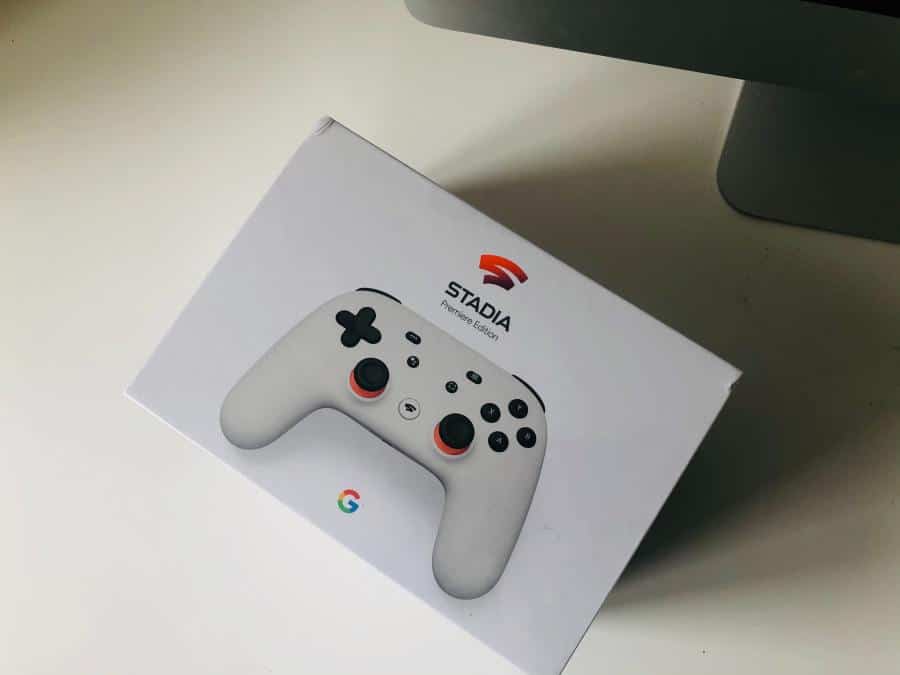
Google has announced that its cloud gaming service, Stadia, will now have family sharing, where groups can now share games across multiple accounts. On Thursday, Google announced that its cloud gaming service Stadia would have family sharing. With family sharing, users could buy a game and play it across several accounts. You’d have to link [...]
The post Google Stadia Now Has Family Sharing first appeared on Tekrati and is written by Irene Hawkins
]]>Google Stadia Now Has Family Sharing
Google has announced that its cloud gaming service, Stadia, will now have family sharing, where groups can now share games across multiple accounts.
On Thursday, Google announced that its cloud gaming service Stadia would have family sharing. With family sharing, users could buy a game and play it across several accounts. You’d have to link yourselves through Google’s Play Family Library system first.
Stadia Family Sharing
The Verge reports that Stadia’s family sharing will let you buy one copy of a game for the family to play. This way, your parents or your siblings can play the same game on separate devices. They can also save their data separately.
You can borrow a friend’s Google Stadia library with new family sharing feature https://t.co/u5Rv15ZABd pic.twitter.com/OLY9cjoRLp
— The Verge (@verge) November 8, 2020
Moreover, only one Stadia account needs a Pro subscription to get free games and share them with the group.
How Family Sharing Works
Stadia’s family sharing works through the Google Play Family Library system. This system allows Android users to share mobile apps across several accounts in one family.
However, Google did put some restrictions. You can’t play a shared game with another account at the same time. Both accounts should have bought the game separately. On the other hand, both accounts should have claimed the game from their Pro subscription.
Also, you can’t share a Stadia Pro free game if you cancel your subscription or let it expire. With Stadia’s family sharing, friends can now form groups beyond the household.
How Do I Use Stadia’s Family Sharing?
If you want to try Stadia’s new family sharing function, Google can help you. First, you can set up your Google Play Family Library through this tutorial. Next, follow this tutorial to set up a Stadia account for your family.
The post Google Stadia Now Has Family Sharing first appeared on Tekrati and is written by Irene Hawkins
]]>
Google Won’t Support Stadia for the New Chromecast Until 2021
If you grab the new $50 Google Chromecast, you’ll get to enjoy a range of new streaming services, including Google TV. However, the new Chromecast will not support Google’s cloud gaming service, the Stadia, at launch. Instead, Google says it would delay Stadia support to 2021. The New Google Chromecast The Verge does report that [...]
The post Google Won’t Support Stadia for the New Chromecast Until 2021 first appeared on Tekrati and is written by Irene Hawkins
]]>Google Won’t Support Stadia for the New Chromecast Until 2021
If you grab the new $50 Google Chromecast, you’ll get to enjoy a range of new streaming services, including Google TV. However, the new Chromecast will not support Google’s cloud gaming service, the Stadia, at launch. Instead, Google says it would delay Stadia support to 2021.
The New Google Chromecast
The Verge does report that they were able to run Stadia on Chromecast through sideloading. So, you might not know why Google just doesn’t support Stadia from the get-go.
The new Chromecast with Google TV won’t officially support Stadia at launch https://t.co/tfmYwRBlRs pic.twitter.com/GMEf4hUogE
— The Verge (@verge) October 1, 2020
According to The Verge, the present Chromecast Ultra doesn’t have an interface. Instead, you can control your phone to cast videos from the internet to the Chromecast Ultra.
What’s Up with the New Chromecast?
On the other hand, Chromecast with Google TV uses Android TV as an operating system. This operating system gives the new Chromecast a user interface and more than 6,500 apps. Then, you have the Google TV interface, which should prettify Android TV. On top of that, you get the Cast feature for streaming online videos to Android TV devices.
What’s missing is Google Stadia games. The Verge says that Stadia does work on Android TV, but weirdly. The website 9to5Google says that Stadia feels like Google just pasted it on Android TV’s interface.
Should I Get the New Google Chromecast?
If you don’t plan to use Stadia anyway, you should grab the new Chromecast with Google TV. But, if you have an itch for Stadia, the Verge suggests that you stick with the current Chromecast Ultra.
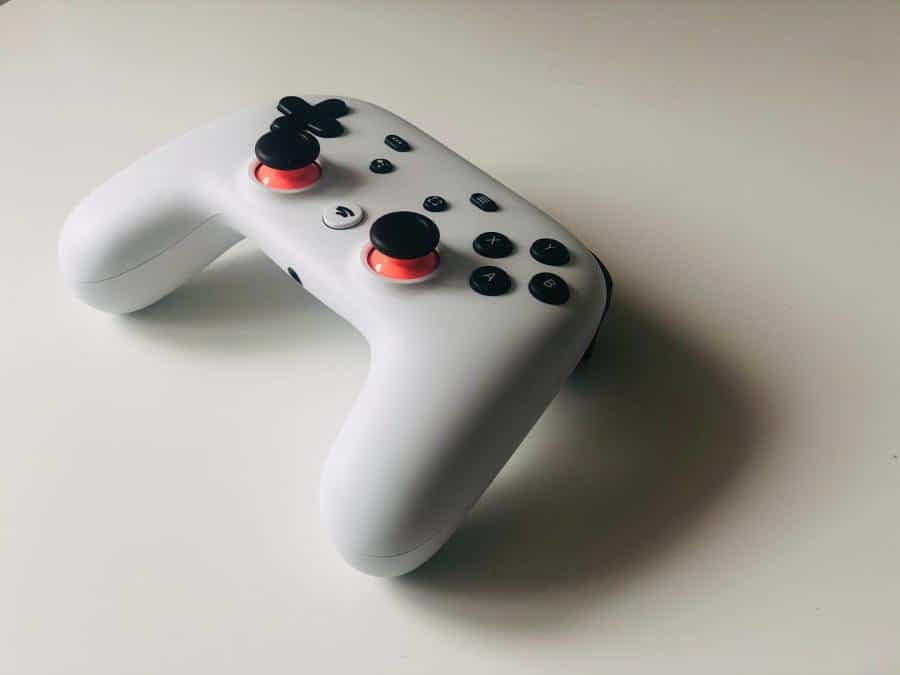
You can still buy the Stadia Premiere Edition of the Chromecast Ultra for $300 for your video streaming and cloud gaming needs.
The post Google Won’t Support Stadia for the New Chromecast Until 2021 first appeared on Tekrati and is written by Irene Hawkins
]]>
Google Stadia Can Now Stream Games Over 4G & 5G
Everything is streaming these days, so it’s natural for video games to follow. In 2019, Google launched its game streaming service, called Stadia. With the tech, you stream your video game as you play. Microsoft has also launched Project xCloud, a rival game streaming platform. To improve Stadia, Google has announced that gamers can now [...]
The post Google Stadia Can Now Stream Games Over 4G & 5G first appeared on Tekrati and is written by Sam Arnold
]]>Google Stadia Can Now Stream Games Over 4G & 5G
Everything is streaming these days, so it’s natural for video games to follow. In 2019, Google launched its game streaming service, called Stadia. With the tech, you stream your video game as you play. Microsoft has also launched Project xCloud, a rival game streaming platform. To improve Stadia, Google has announced that gamers can now use their mobile 4G or 5G data to stream video games.
How Do I Use My Mobile 4G Data on Google Stadia?
Engadget reports that you may not see the feature right away because Google is still rolling it out for its users. However, if you check the “Experiments” section of your settings menu, you can enable 4G streaming there.
Before this update, Stadia users could only use Wi-Fi. They even had to use tethering just to trick Stadia that they were on Wi-Fi, instead of mobile data. On the other hand, Microsoft’s Project xCloud has already supported mobile streaming since its launch in 2019.
Stadia users can now try the service over cellular https://t.co/X5BeaWvXb2 pic.twitter.com/EJ4TkCAUL4
— Engadget (@engadget) July 28, 2020
Will Google Stadia Eat Up All of My Mobile Data?
The tech site 9to5Google reports that using mobile 4G to stream games would eat up 2.7GB per hour. For 720p Wi-Fi streaming, you’d take 4.5GB per hour, while for 1080p, you’d consume 12.6GB per hour. With its current 4G setup, you can only stream games at 360p.
What’s Next for Google Stadia?
Google has begun improving its cloud gaming app. For example, gamers can now try out a free version of the new tech, and they can even stream games at 4K.
We all want to play the latest video games. But if you think the latest consoles are too expensive, you could turn to cloud gaming. With its new mobile data support, Google Stadia might be for you.
The post Google Stadia Can Now Stream Games Over 4G & 5G first appeared on Tekrati and is written by Sam Arnold
]]>