Google Brings New Features to G Suite Mobile Apps
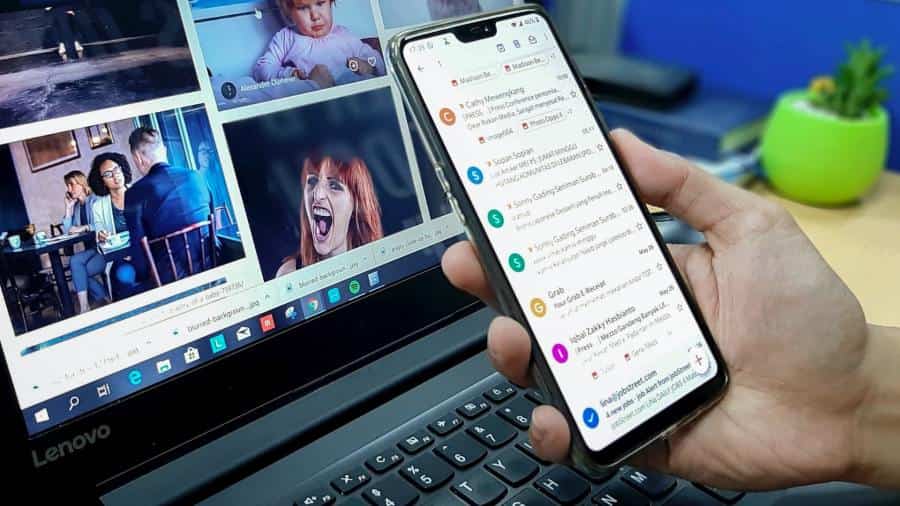
Google has made it easier to work away from the desktop computer with the release of new updates to the mobile versions of G Suite apps. These updates cover Google Docs, Slides, and Sheets, and they change the apps’ appearance while adding small features. After last month’s announcement, Google is also making Dark Mode available [...]
The post Google Brings New Features to G Suite Mobile Apps first appeared on Tekrati and is written by Sam Arnold
]]>Google Brings New Features to G Suite Mobile Apps
Google has made it easier to work away from the desktop computer with the release of new updates to the mobile versions of G Suite apps. These updates cover Google Docs, Slides, and Sheets, and they change the apps’ appearance while adding small features. After last month’s announcement, Google is also making Dark Mode available for G Suite on mobile.
Here are some new features for G Suite mobile.
G Suite Updates: Link Previews for Docs
One of G Suite mobile’s new features is the ability to preview links in Google Docs files. If you see a link in your Docs file, you can tap it to view relevant information about the link, instead of copying and pasting it to your browser. Included in the data are thumbnails, titles, and web descriptions. iOS and Android users can use this feature in a matter of weeks.
Google is updating Docs, Sheets, and Slides apps with link preview, Smart Compose, and more https://t.co/7m4tTZ9Yrf pic.twitter.com/8RI7VFDTXf
— The Verge (@verge) August 5, 2020
Vertical Navigation for Slides
The Slides app now offers expanded actions for mobile users. Now, you can do vertical scrolling for your slideshows, and you can pinch and zoom each slide if you want to review them. With this update, you can spot last-minute errors before you start your presentations. iOS and Android users will have to wait for a few months before using this feature.
Suite Updates: Edit Microsoft Office Files with G Suite Apps
On the web version, users can edit their Microsoft Office files without hassle. This new update will port over that function to the mobile version. Access your Office files through G Suite mobile and get right to work. For Android users, they can start doing this in the coming weeks. However, iOS users will have to wait “later this year.”
The post Google Brings New Features to G Suite Mobile Apps first appeared on Tekrati and is written by Sam Arnold
]]>
Game on Your Phone with The Razer Kishi Gamepad
Streaming games on your phone is now becoming more popular than ever especially with Razer’s Kishi. Google Stadia and Microsoft’s Project xCloud allow you to ditch your console to play the games you love. But you will need a reliable internet connection and a handy gamepad to start your mobile gaming journey. Check out how [...]
The post Game on Your Phone with The Razer Kishi Gamepad first appeared on Tekrati and is written by Sam Arnold
]]>Game on Your Phone with The Razer Kishi Gamepad
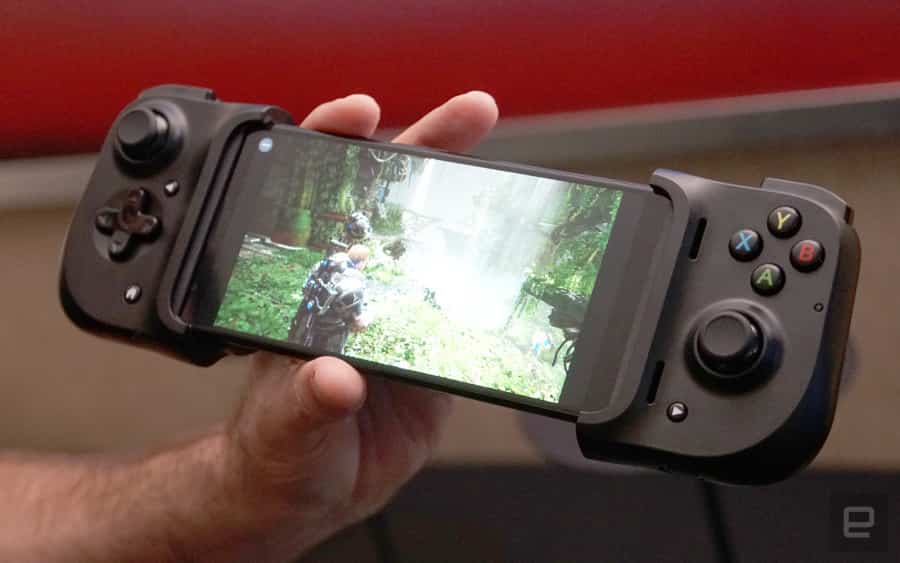
Streaming games on your phone is now becoming more popular than ever especially with Razer’s Kishi. Google Stadia and Microsoft’s Project xCloud allow you to ditch your console to play the games you love. But you will need a reliable internet connection and a handy gamepad to start your mobile gaming journey.
Check out how the Razer gamepad fills your mobile gaming needs below.
The Razer Kishi Gamepad
The Razer Kishi is a telescopic gamepad for iOS and Android. To use it, just plug the gamepad to your phone through USB-C or Lightning cables. Lag or connection issues are a thing of the past since you don’t connect via Bluetooth. Moreover, charge your phone while gaming by slipping your cord into the Kishi’s pass-through port.
The Razer Kishi is the smartphone gamepad I've been waiting for https://t.co/LitIZ62GoB pic.twitter.com/IhXes2UHs1
— Gizmodo (@Gizmodo) July 30, 2020
The Razer Kishi Gamepad’s Weight Class
You’ll feel, though, that the gamepad is heavy. At 10.5 inches by 3.5 inches by 1.6 inches, the Kishi is even thicker than the Nintendo Switch. While playing, the buttons and thumbsticks are responsive, without any dead zones. Your hands might feel a little cramped after playing for a few hours straight, though.
What Games You Can Play on the Razer Kishi Gamepad
The good news is that you can play most games with the Kishi gamepad. You can play most mobile game ports and games on streaming. Gizmodo says that you can “play most console games made before 2000 or after 2013.” You can even stream games like Red Dead Redemption 2 from your Xbox One or PS4 at home.
You will have to shell out $80 for the Kishi, though. It’s more expensive than the other gamepads available. But then, a sturdy and reliable gamepad might be worth the extra charge.
The post Game on Your Phone with The Razer Kishi Gamepad first appeared on Tekrati and is written by Sam Arnold
]]>